Beginner guide: how to start decoding
Most early posts on the Steam forum are not about a late puzzle. They ask where to click. This page is that first half hour.
What you are looking at
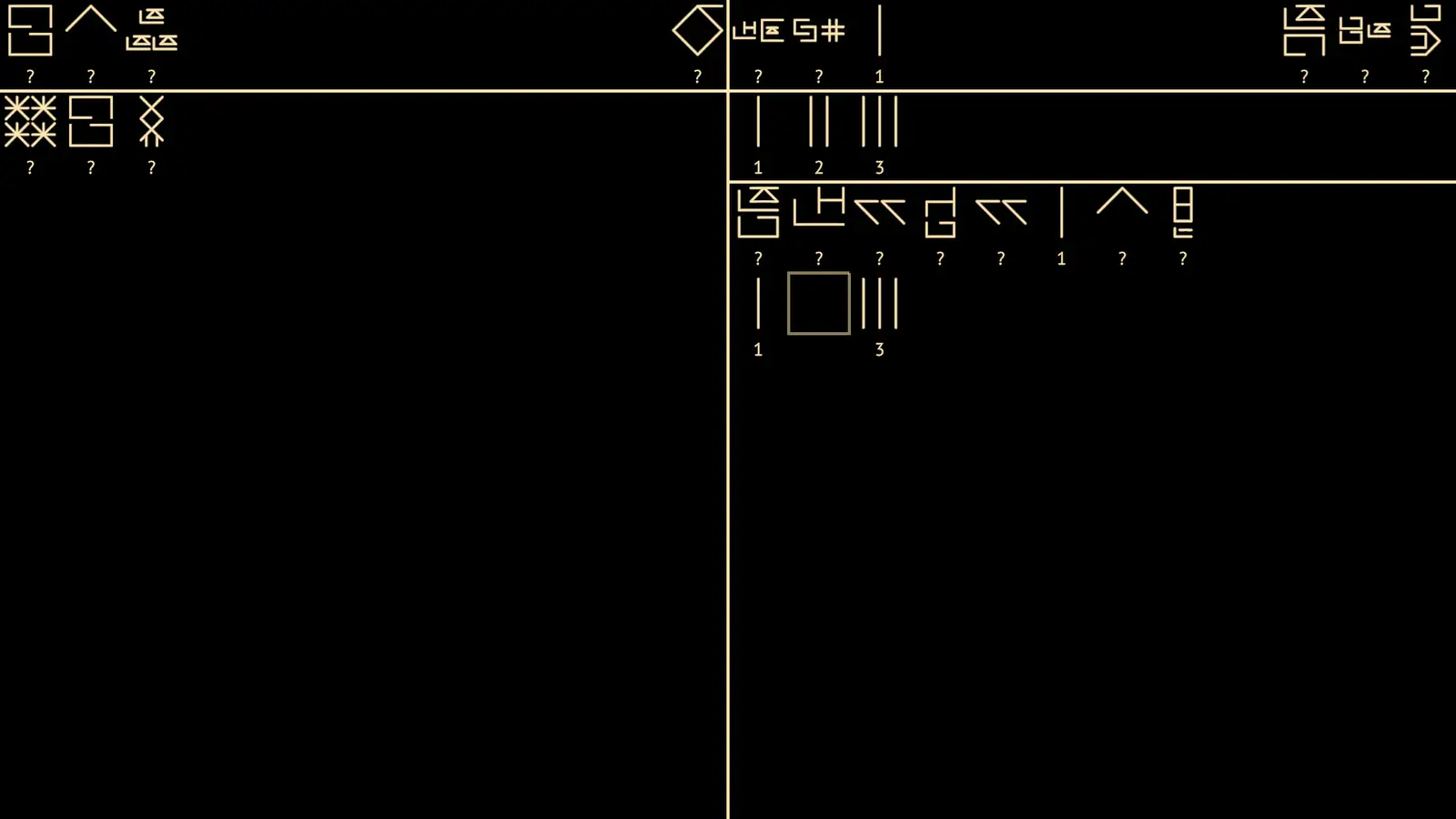
The store description and several top reviews agree on one fact: the interface is the alien language. Menus, settings, and the quit control are glyphs. Your own notes are the human text. A Japanese start guide on Steam, posted for people stuck in the opening, says the first screen offers two items: a textbook and options. Screen size sits in a control lower on that options list.
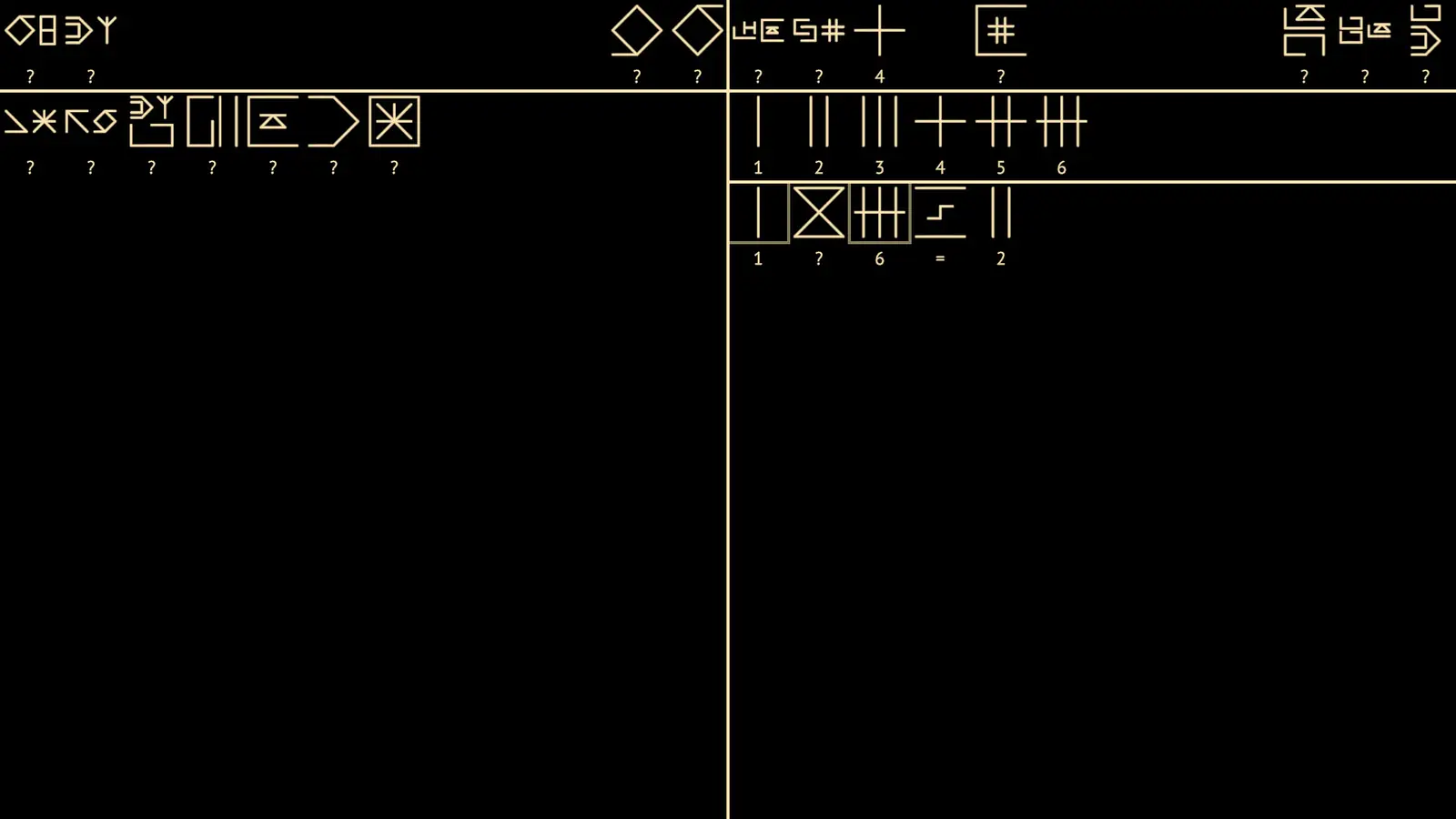
The same guide splits the workspace. The left side is a popup message you can ignore at the very start. The right side is underlined glyphs; clicking an underlined glyph is what advances the page. Under each glyph is a small mark the guide calls a remark slot, shown as a question mark until you fill it. The upper right is “end” on the home view and “back” on inner pages.
Five controls worth learning first
Click an underlined glyph to move forward. Use the mark under a glyph as your own label. Open the left-hand dictionary with a normal click on a glyph. The dictionary, according to that start guide, always has three parts: part of speech, a radical, then a blank line and a gloss. Right-click looks up a glyph from anywhere. Reviews call that right-click lookup the feature that makes the later text readable. The guide says the game only “teaches” the right-click in chapter 2 text, but the control works earlier.
Quizzes ask you to prove you understood a set of glyphs, and the questions are also written in the alien script. The store page says you do not have to translate every line to finish. Extra reading is where the side material lives. Chapter 1 is fill-in work that follows the textbook. The start guide says the first blank is the option drawn as two vertical strokes, and that you can clear early items by trying the choices rather than by reading the prompt first.
Notes that still work in chapter 2
Copy the dictionary’s shape: part of speech, radical, then one example. When a later page reuses a glyph, you already have a slot for it. Do not try to translate a whole paragraph before the arithmetic pages make sense. The number system is its own page, because the brackets and the base are the usual wall after the first quiz.
If a single exercise is the problem, open the hints page and read only the nudge. The walkthrough lists seven main chapters, seven side chapters, and an epilogue, taken from the achievement names, and it keeps chapter titles blank where the store never published them.
Questions
Where do I click at the start?
The Japanese start guide says to use the underlined glyphs on the right. The left popup can wait.
What is the first quiz answer?
That guide says the first blank is the two-stroke option. One community source; I do not have a second write-up of that exact item.
Do I need to translate everything?
The Steam store text says a full translation is not required to finish, and that extra reading holds more material.
Sources
- Steam guide: start guide (Japanese) — checked 2026-11-05
- Steam top reviews — checked 2026-11-05
- Steam store page — checked 2026-11-05
- Steam discussions — checked 2026-11-05